GeForce NOW on Chromebook: Install Guide, DLSS 4.5 Controls and Web Access
Turn your Chromebook into a cloud gaming machine in a few minutes. We cover both setup methods, the new DLSS dials and what your connection needs.

The best ChromeOs Blog on the web.


Turn your Chromebook into a cloud gaming machine in a few minutes. We cover both setup methods, the new DLSS dials and what your connection needs.
Chrome 157 is rolling out to Windows, Mac, Linux and Android with 213 security fixes and a new way to draw live web content in canvas. Here is what to know.
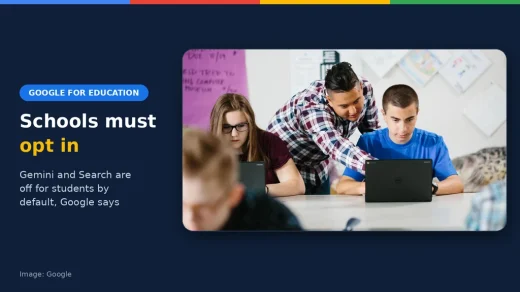
Google is flipping the default for schools, and one of the switches takes Search down with it. Here is what changes for students on school accounts, and what is still unclear.
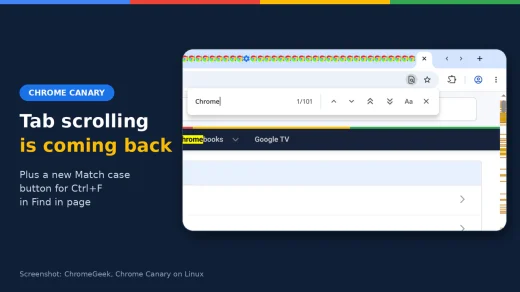
Tab scrolling is coming back to Chrome. Google rebuilt the tab strip so it scrolls once it fills up, and you can try it in Canary right now with one flag.

Looking for the best K-pop Chrome themes? Free fan-made themes for Stray Kids, BTS, BLACKPINK, SEVENTEEN, MAMAMOO, BT21 and KPop Demon Hunters fans.
Looking for the best developer Chrome themes? Match your browser to your code editor with free Catppuccin, Dracula, Nord, Gruvbox and Tokyo Night themes.
Thinking about rooting your new Googlebook? The developer behind Magisk just found out the hard way that one of its best phone features stops working, and the reason is a hidden security check.
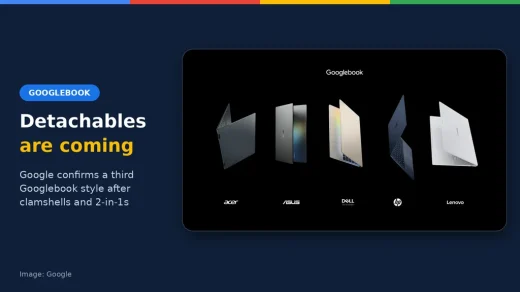
Google used its Android Dev Summit keynote to confirm a third Googlebook style: detachables. Here is what that means and which tablet-style Googlebook is likely to arrive first.

Websites have had to block AI crawlers one company at a time. Google, OpenAI, Microsoft and Anthropic now back a single switch, but there is a catch on timing.
Google sent a prompt to a satellite, a TPU woke up in orbit and Gemma 4 answered with a poem. Here is the haiku, and why it matters more than it sounds.
Just days after a 52-fix patch, Google has pushed another Chrome 156 security update. One bug is rated Critical, and Chromebooks are in an odd spot this time.